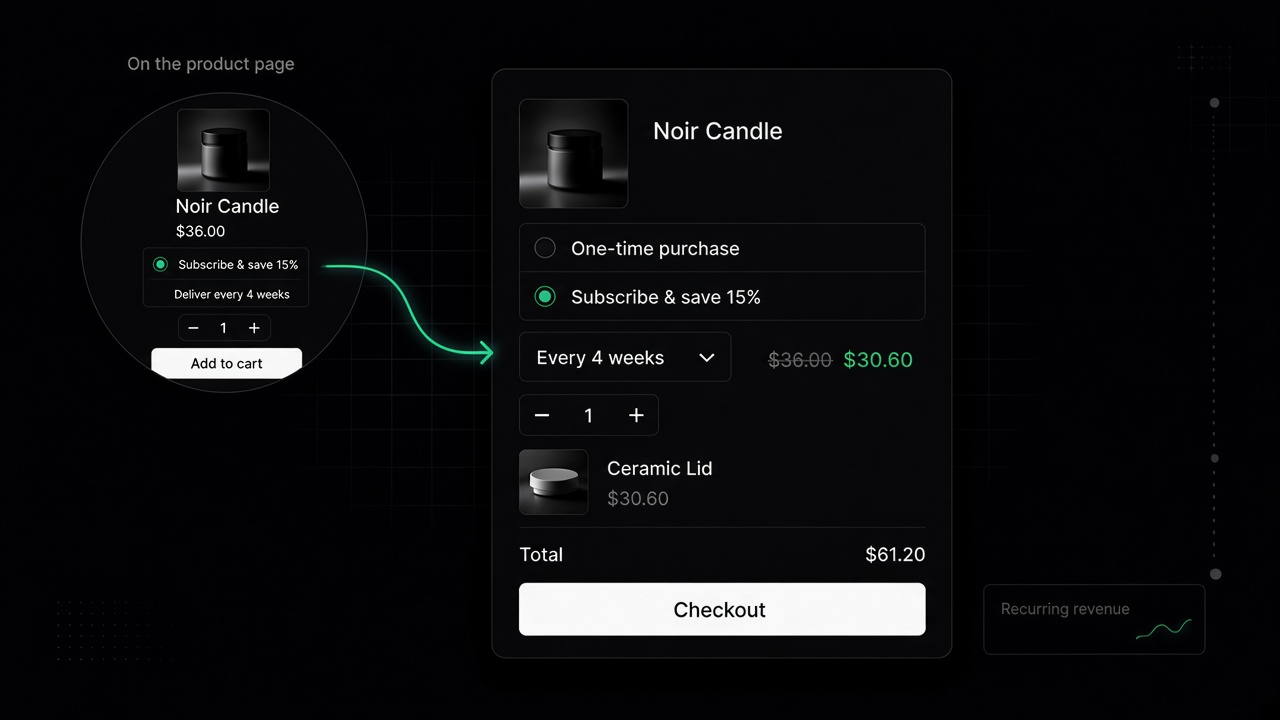
Product information → Add block → Apps → Subscribe & save. Place it above Buy buttons so the selling plan is submitted with the Horizon product form.
Shows one-time purchase and subscription options when the product has selling plans. Cart lines can also switch plans when the Cart subscription embed is on.
PDP Accordion
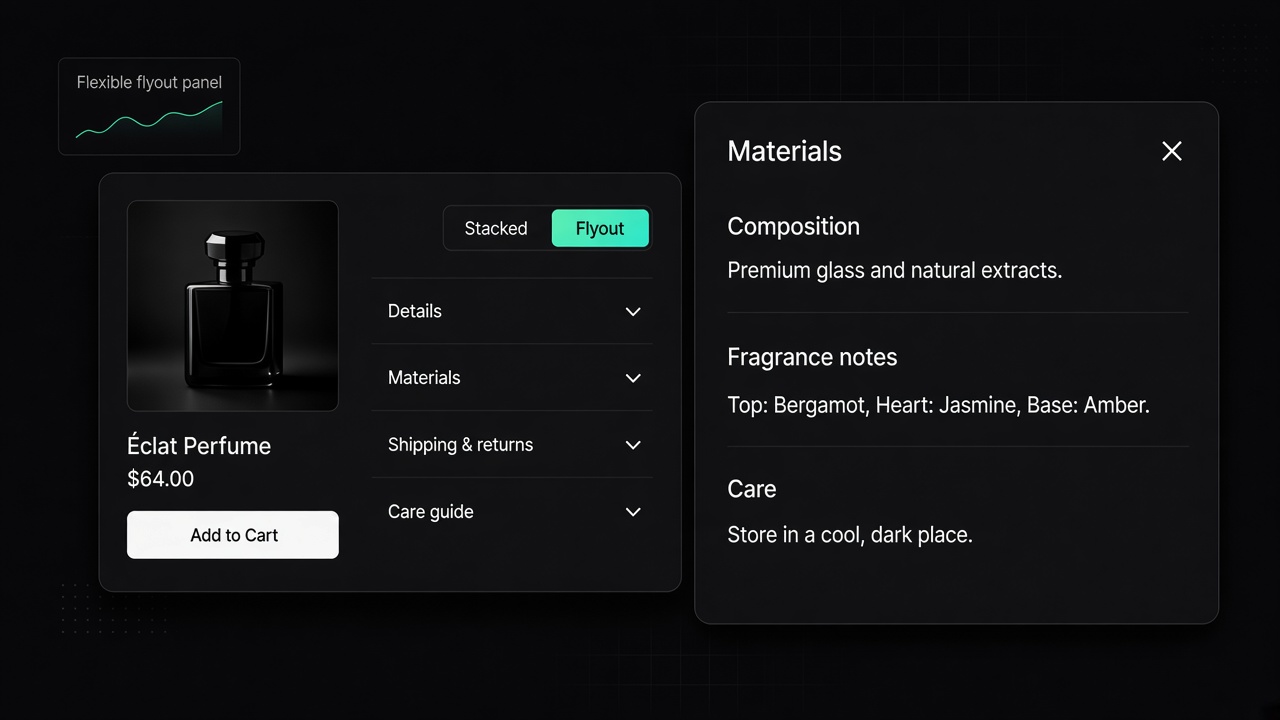
Product information → Add block → Apps → PDP Accordion. Place it below buy buttons or where product details belong.
Display type: Flyout panel (slides in from the side) or Accordion (expands inline).
Rows come from product metafields, not the product description.
The block is empty until Accordion entries are attached to the product.