Online Store → Themes → Customize → Theme settings → App embeds. Enable only the features you want. Each embed loads its own assets.
Cart embeds include Show in Cart Drawer (on by default) and Show on Cart page (off by default).
A stock Horizon theme has nowhere for these to attach. Add the theme mount points in the cart drawer, cart page, and cart line snippet before enabling the embeds.
Cart
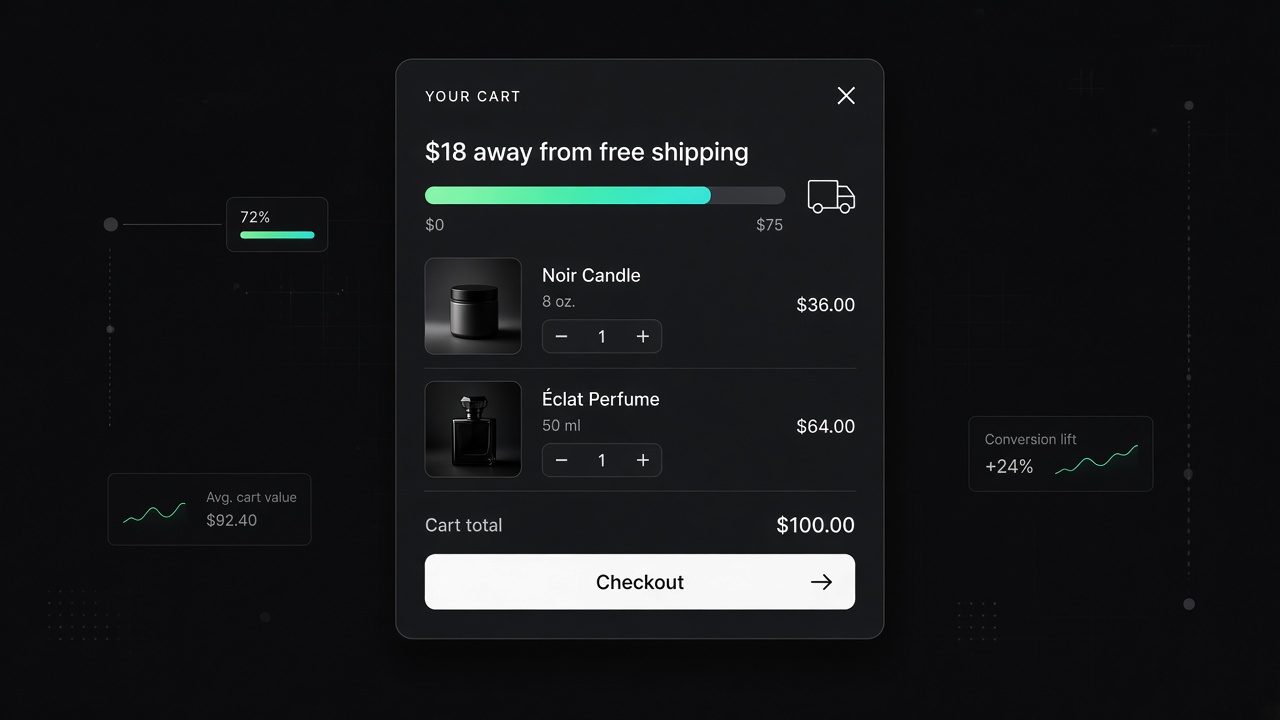
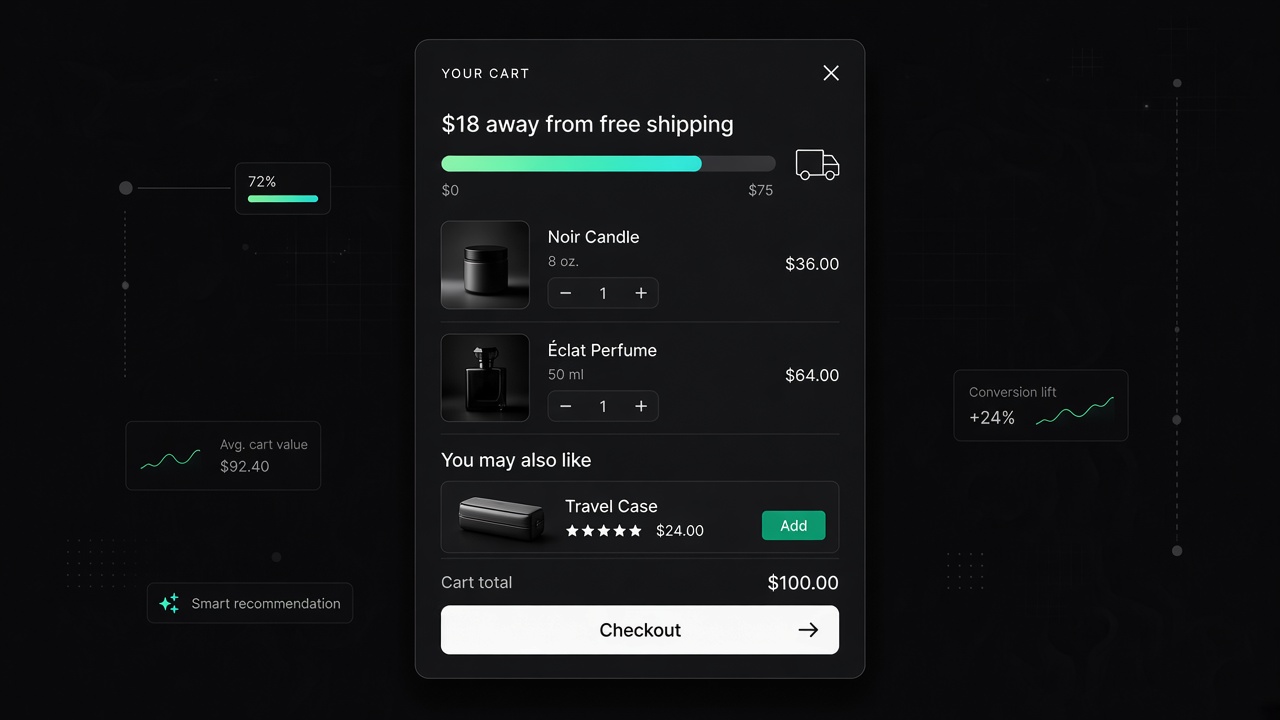
Free shipping bar — progress toward free shipping in the cart drawer or cart page. Set the store-currency minimum; 0 hides the bar. Qualified only when Shopify returns a $0 shipping rate.
Shipping estimate — country and postal code estimate in cart totals.
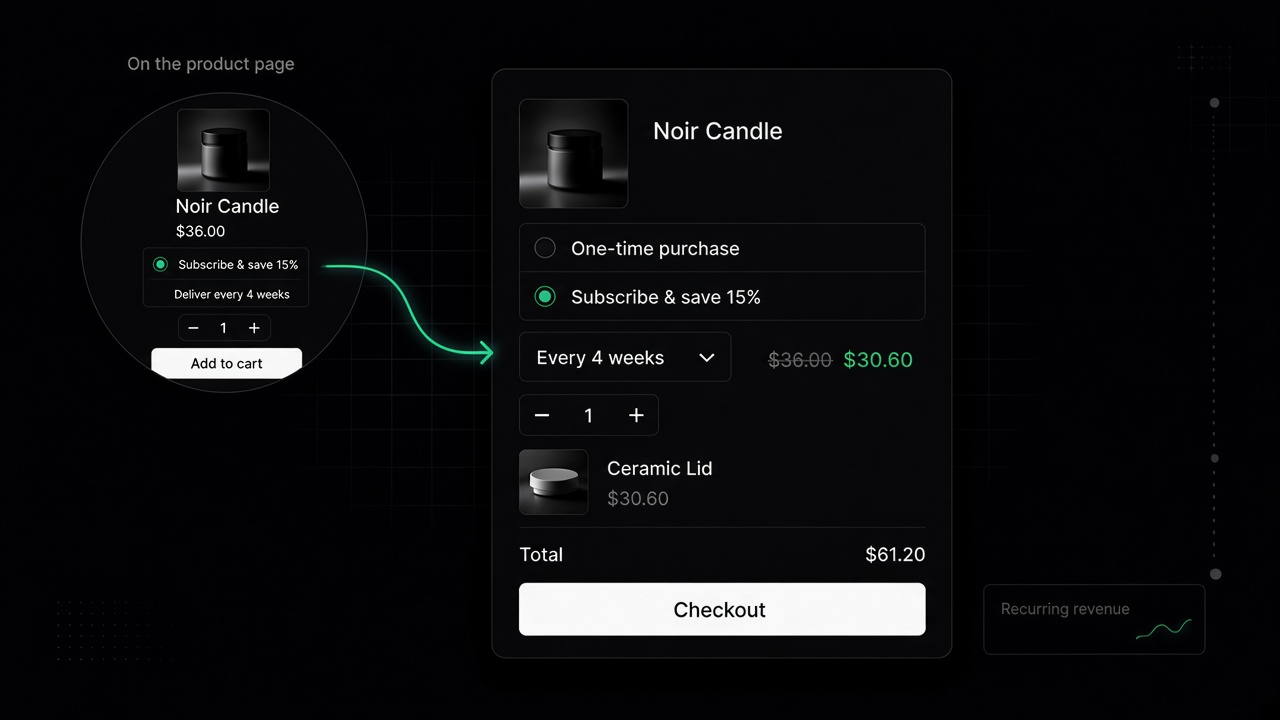
Cart subscription — Subscribe & save toggle on each cart line that has selling plans.
Upsell in cart drawer — product recommendations from store search. Whitelist products take priority over API picks. Exclude products already in the cart plus any products in the Exclude list. Multi-variant products show a variant picker.
Free gifts in cart — spend tiers for gifts or samples, with a separate set for logged-in customers who have specific tags. See Free gifts & samples for tiers and checkout discount setup.
Storefront
Policies Nav — policy page navigation at the start of main. Only renders on policy pages.
Theme style layer — Horizon CSS overlay. Choose one Active theme (Atelier or Linen). Turn the embed off to restore Horizon styles. See Style overrides to add another theme.
Feedback widget code — paste JS or HTML into the document head. Enabling the embed is the on/off switch.
Enable dev mode — section and block outlines for debugging. Turn this off before sharing a preview with merchants.